Subagents and Hooks Explained
Subagents give you specialists with their own context. Hooks give you automation on lifecycle events. Together they turn a single agent into a small team that runs itself.
Once your basic build works, two features take it from useful to genuinely powerful: subagents and hooks. They solve different problems. Subagents are about delegation. Hooks are about automation. You will want both.
Subagents: specialists with their own context
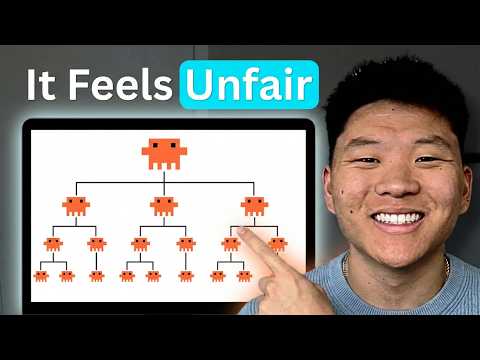
A subagent is a Markdown file with YAML frontmatter that defines a focused specialist: its own system prompt, its own tool allowlist, and crucially its own context window. The official subagents docs cover the full schema. The main agent delegates a job, the subagent does it in isolation, and only the result comes back. That keeps the main context clean.
---
name: reviewer
description: Reviews diffs for bugs and security issues before commit.
tools: Read, Grep, Bash
---

You are a senior code reviewer. Review only the staged diff.
Flag correctness bugs, missing error handling and unsafe input.
Be specific: cite the file and line. Do not rewrite the code.Hooks: automation on lifecycle events
Hooks are shell commands that fire on specific events: before a tool runs, after a file is edited, when a session starts. They are deterministic, so you use them for the things you never want the model to forget, like running the formatter or blocking an edit to a protected file.
{
  "hooks": {
    "PostToolUse": [
      {
        "matcher": "Edit|Write",
        "hooks": [
          { "type": "command", "command": "npx prettier --write $CLAUDE_FILE" }
        ]
      }
    ]
  }
}Putting them together
- Delegate research and review to subagents so the main context stays focused.
- Use hooks to enforce formatting, tests and safety automatically.
- Bundle the whole thing into a plugin marketplace if your team shares one stack.
 22:40
22:40Start with one subagent for code review and one hook for formatting. That alone will make every session calmer. Add more only when you feel the specific pain they solve.
0 Comments
Loading discussion...